How to expose your local site online
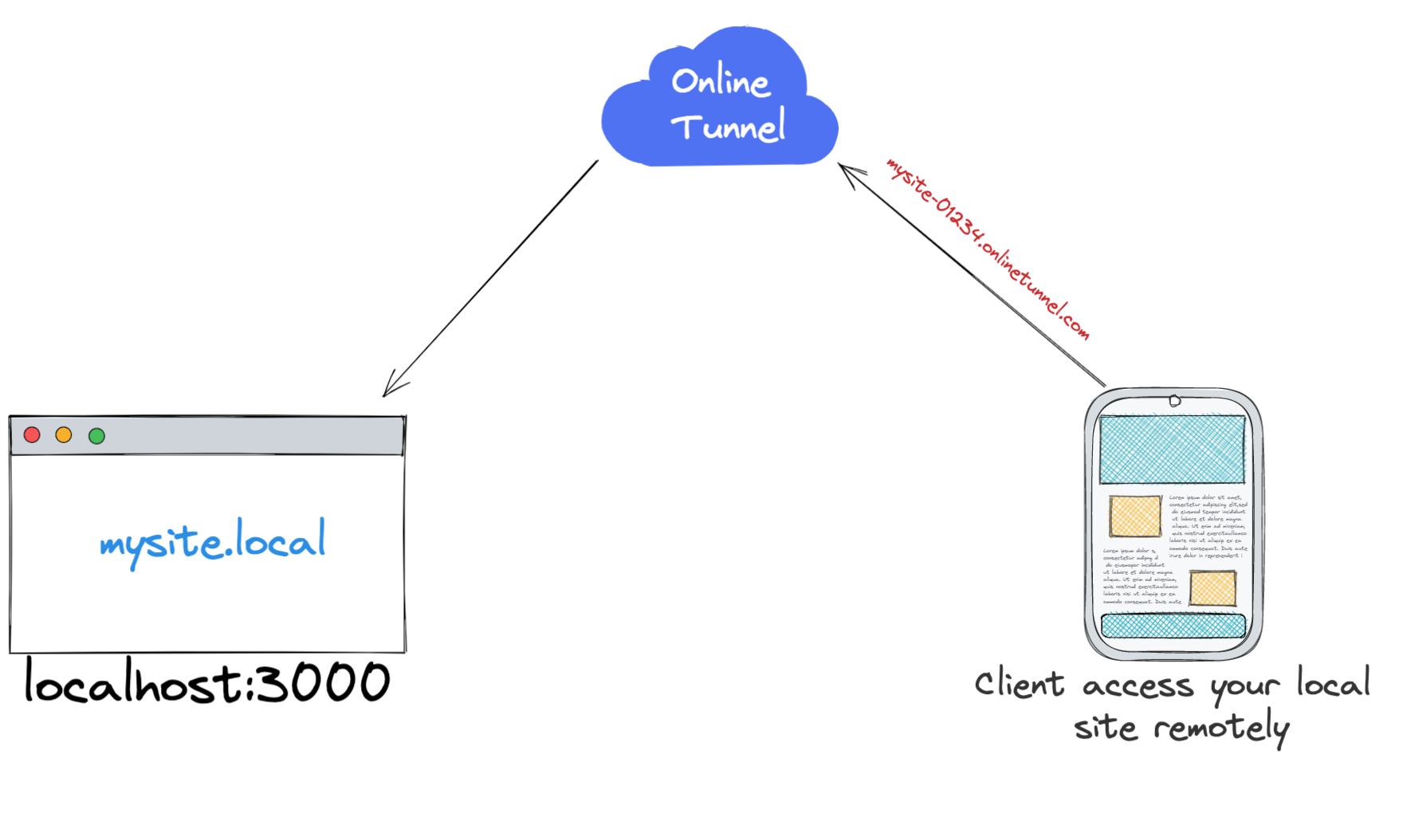
As developers we all passed in one of these situation while developing our web app.
- I need to share my progress with my client/colleague
- I need to test how my application respond to an online web-hook, thus I can't use localhost
- I need to test my app on other devices
- I need to expose a temporary https URL for my app
The well known solution that came to our mind is to host your application somewhere, this approach is good, but at some expense, especially when you are working on something quick, and can't afford the time/cost/complexity to publish your project online on every small change.
I will share with you three techniques I personally use when I want to share something with the public without the hassle of deploying everything in the cloud.
In the following examples I will assume that your project is hosted locally under http://localhost:3000
» ngrok
Difficulty: Very easy
Is it free?: Yes, Pro plan are available also.
Ngrok exposes local servers behind NATs and firewalls to the public internet over secure tunnels.
You can think of it as a proxy between your local web server and the public
127.0.0.1:8000 <--> https://randomthing.ngrok.comIt offers a web dashboard so you can monitor the requests proxied
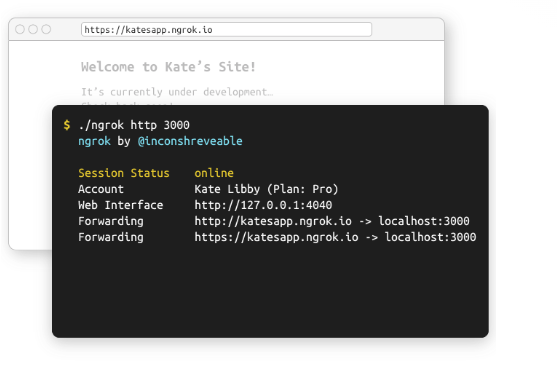
Usage:
To expose your local site http://localhost:3000 write the following command in your terminal
./ngrok http 3000» Expose
Difficulty: Easy, some knowledge in CLI might be required
Is it free?: Yes, Pro plan are available also, you can host it on your premises also for maximum freedom 🚀
The second option in our list is Expose.dev
Expose.dev is an alternative to ngrok, written in PHP, but off course you can use it to proxy any web server.
Expose is a tunnel application that allows you to share your local sites and applications with others on the internet. It is open source, written in PHP and the best alternative to ngrok for PHP developers.
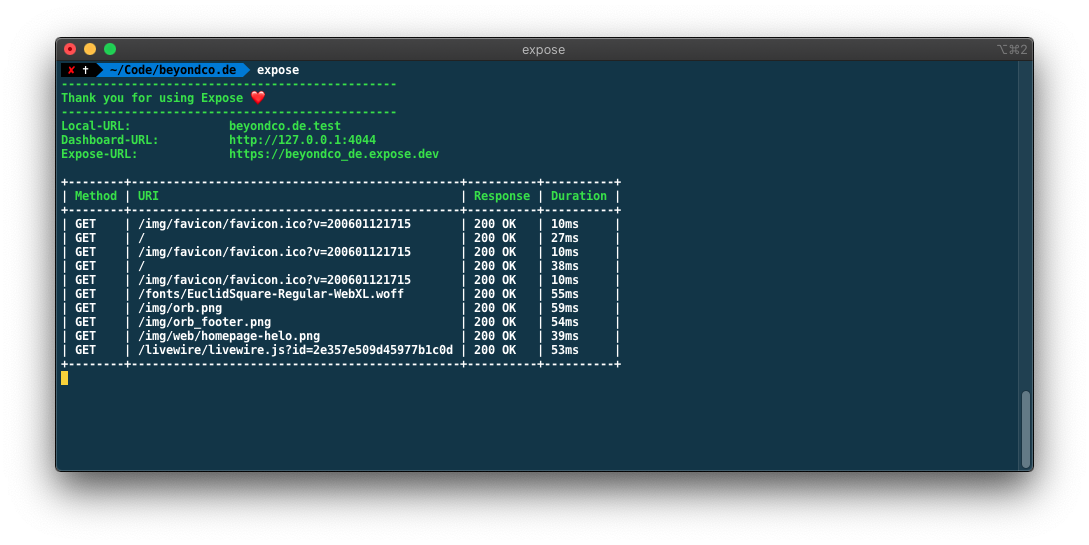 Expose also comes with a powerful web and CLI dashboards to monitor incoming HTTP requests.
Usage:
To expose your local site http://localhost:3000 write the following command in your terminal
expose share http://localhost:3000» SSH
Difficulty: Complex
Is it free?: Yes, but you need to have a remote online host
This is a more advanced option, and requires an online linux host, like VPS, using SSH you can forward all requests coming to your online host to your local machine, and vice versa, if you already have an online VPS, and you are familiar with SSH you will find it an easy option.
Usage:
If you have SSH installed, to expose your http://localhost:3000 to http://myonlinehost.com:8080 you use the following command
ssh -L 8080:localhost:3000 user@myonlinehost.comOf course you can use any ports here, unless they are not reserved, and make sure that the ports are not blocked by your firewall